 Image 1 of 1
Editable Wedding Menu Template | Elegant Olive Green Dinner Menu | Minimalist Wedding Menu Card | Printable Canva Template | Instant Download
$4.99
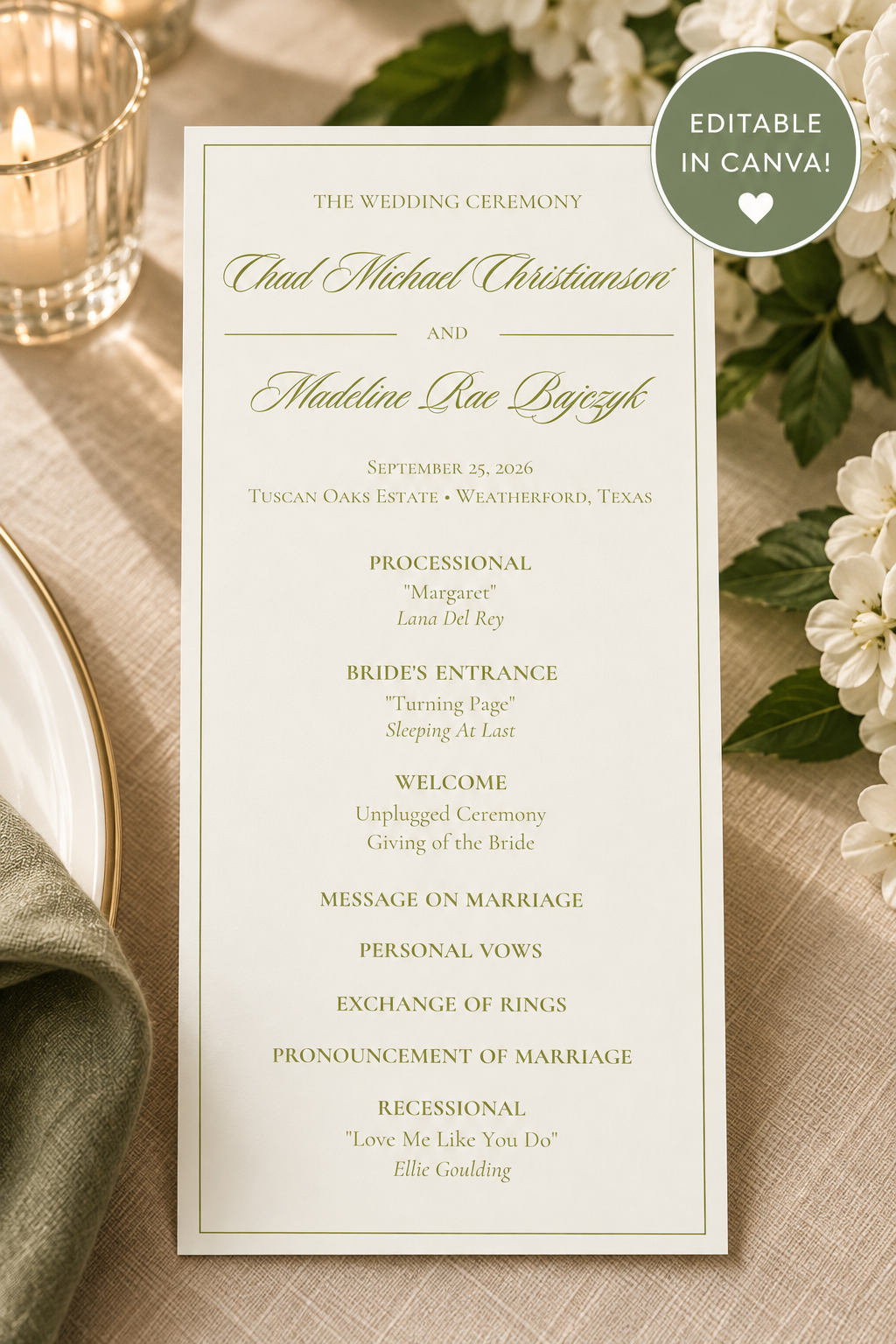
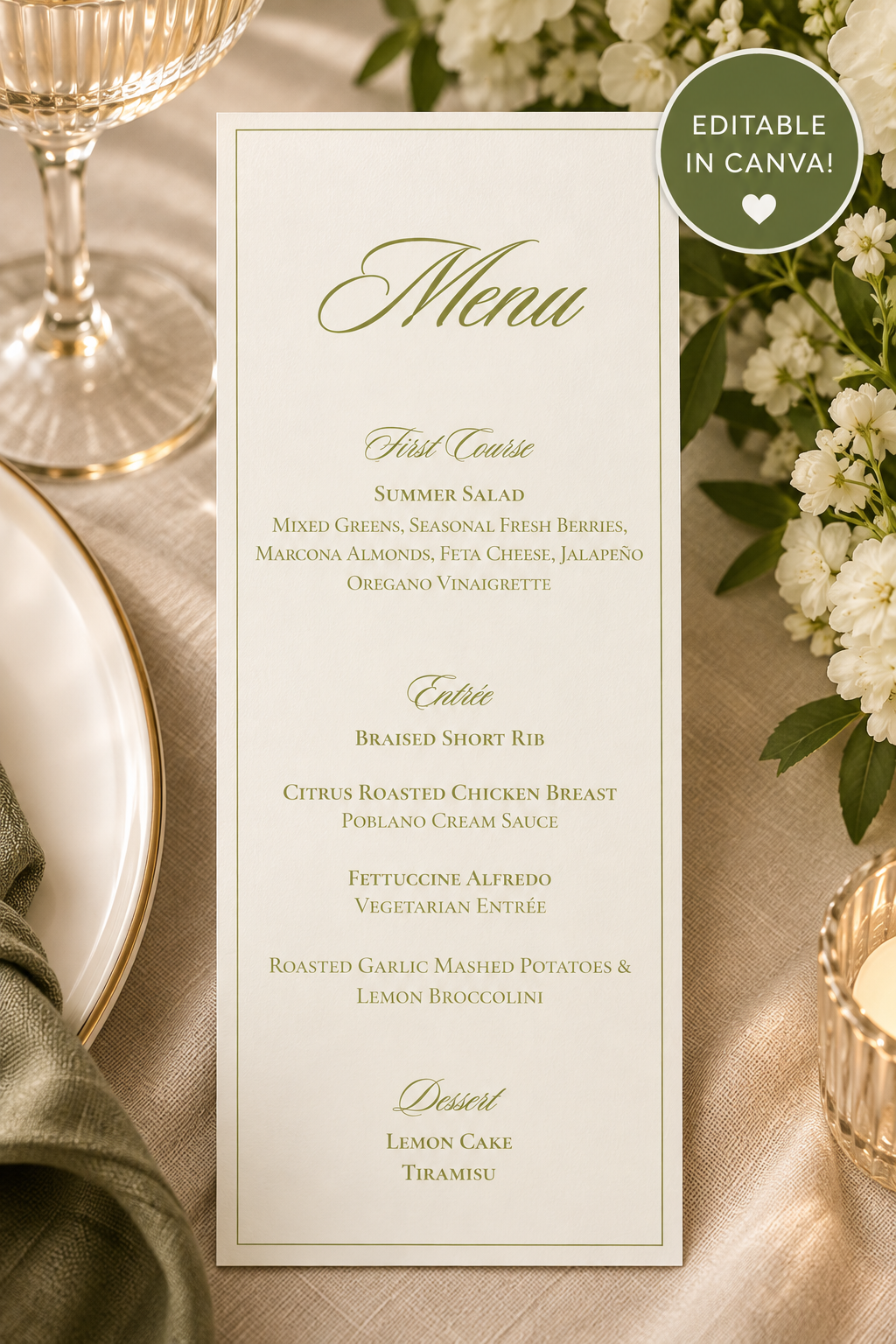
Add an elegant, timeless touch to your wedding tablescape with this editable wedding menu template! Featuring delicate olive green typography, romantic calligraphy, and a minimalist border, this design is perfect for a classic, garden-inspired, or modern romantic wedding.
Personalize your menu in Canva to match your wedding day details, then print at home, use a professional printing service, or create your own wedding menus with a Cricut cutting machine!
WHAT'S INCLUDED
1 editable wedding menu template
Elegant olive green and ivory design
Customizable text for your courses, menu items, and wedding details
Digital Canva template access
Instant digital download
SIZE & DIMENSIONS
Finished menu size: 3.75" W × 8.5" H
Tall, slim design for an elegant wedding tablescape
Editable in Canva
Download as PDF Print for home or professional printing
Download as JPEG (JPG) for use with Cricut Design Space's Print Then Cut feature
PLEASE NOTE: This template is designed at 3.75" × 8.5". If using a Cricut, verify that your machine and selected paper size support these dimensions for Print Then Cut before purchasing.
HOW IT WORKS
Purchase this listing.
Download the PDF containing your Canva template link.
Open the template in Canva.
Customize the wording, colors, and other editable elements.
Download your finished design in your preferred format:
PDF Print: Perfect for printing at home or through a professional printing service.
JPEG (JPG): Perfect for uploading into Cricut Design Space to use with the Print Then Cut feature.
Print, trim, or cut your menus and enjoy your beautiful DIY wedding stationery!
CRICUT FRIENDLY
Want to make your own wedding menus using a Cricut? Simply customize your design in Canva, download it as a JPEG (JPG), and upload it into Cricut Design Space.
Use the Print Then Cut feature to create beautifully finished wedding menus for your special day!
Please check your Cricut machine's compatible materials and Print Then Cut size limitations before printing.
PERFECT FOR
Classic and elegant weddings
Garden and outdoor weddings
Romantic wedding receptions
Minimalist wedding decor
Olive green or neutral wedding themes
DIY wedding stationery
Cricut wedding projects
PLEASE NOTE
This is a DIGITAL DOWNLOAD. No physical product will be shipped.
A free Canva account may be used for editing, provided no Canva Pro elements are required.
Printed colors may vary slightly depending on your printer and paper.
Cricut cutting machines and printing supplies are not included.
This template is for personal use only. Reselling, redistributing, or sharing the original or modified digital template is not permitted.
Create a beautiful, coordinated wedding tablescape with a menu designed to complement your special day!
Add an elegant, timeless touch to your wedding tablescape with this editable wedding menu template! Featuring delicate olive green typography, romantic calligraphy, and a minimalist border, this design is perfect for a classic, garden-inspired, or modern romantic wedding.
Personalize your menu in Canva to match your wedding day details, then print at home, use a professional printing service, or create your own wedding menus with a Cricut cutting machine!
WHAT'S INCLUDED
1 editable wedding menu template
Elegant olive green and ivory design
Customizable text for your courses, menu items, and wedding details
Digital Canva template access
Instant digital download
SIZE & DIMENSIONS
Finished menu size: 3.75" W × 8.5" H
Tall, slim design for an elegant wedding tablescape
Editable in Canva
Download as PDF Print for home or professional printing
Download as JPEG (JPG) for use with Cricut Design Space's Print Then Cut feature
PLEASE NOTE: This template is designed at 3.75" × 8.5". If using a Cricut, verify that your machine and selected paper size support these dimensions for Print Then Cut before purchasing.
HOW IT WORKS
Purchase this listing.
Download the PDF containing your Canva template link.
Open the template in Canva.
Customize the wording, colors, and other editable elements.
Download your finished design in your preferred format:
PDF Print: Perfect for printing at home or through a professional printing service.
JPEG (JPG): Perfect for uploading into Cricut Design Space to use with the Print Then Cut feature.
Print, trim, or cut your menus and enjoy your beautiful DIY wedding stationery!
CRICUT FRIENDLY
Want to make your own wedding menus using a Cricut? Simply customize your design in Canva, download it as a JPEG (JPG), and upload it into Cricut Design Space.
Use the Print Then Cut feature to create beautifully finished wedding menus for your special day!
Please check your Cricut machine's compatible materials and Print Then Cut size limitations before printing.
PERFECT FOR
Classic and elegant weddings
Garden and outdoor weddings
Romantic wedding receptions
Minimalist wedding decor
Olive green or neutral wedding themes
DIY wedding stationery
Cricut wedding projects
PLEASE NOTE
This is a DIGITAL DOWNLOAD. No physical product will be shipped.
A free Canva account may be used for editing, provided no Canva Pro elements are required.
Printed colors may vary slightly depending on your printer and paper.
Cricut cutting machines and printing supplies are not included.
This template is for personal use only. Reselling, redistributing, or sharing the original or modified digital template is not permitted.
Create a beautiful, coordinated wedding tablescape with a menu designed to complement your special day!